
1:20
What is Deskpro?
Meet Deskpro the ONLY help desk platform that enables support across every channel, powered by the AI of your choice, with comprehensive security, compliance and data privacy.
Meet Deskpro the ONLY help desk platform that enables support across every channel, powered by the AI of your choice, with comprehensive security, compliance and data privacy.
Explore the Deskpro platform.
Meet Deskpro the ONLY help desk platform that enables support across every channel, powered by the AI of your choice, with comprehensive security, compliance and data privacy.
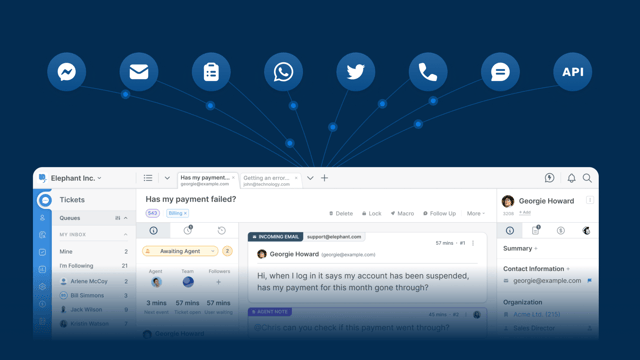
Get a better idea of what Deskpro has to offer with our brief product demo.
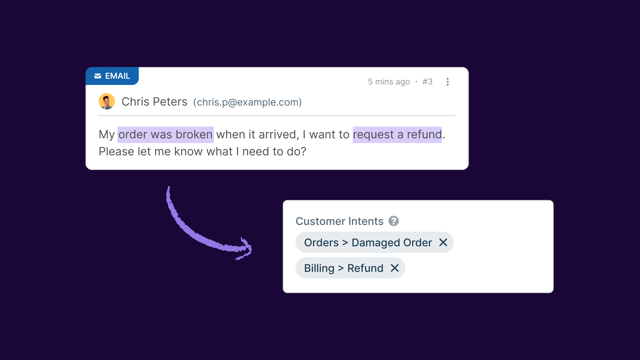
Tour innovative AI features and how intelligent ticketing tools enhance team operations.
Take a tour of our help desk and get to grips with our software.
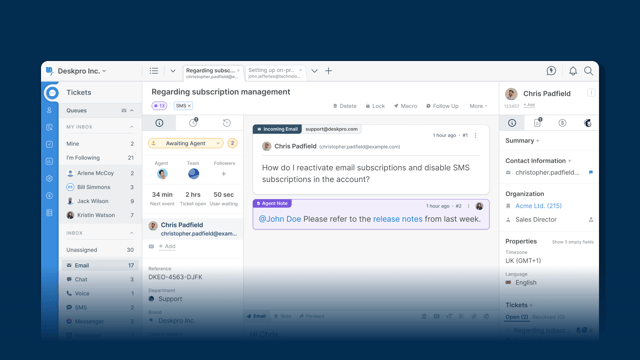
Familiarize yourself with the layout and features of our agent workspace.
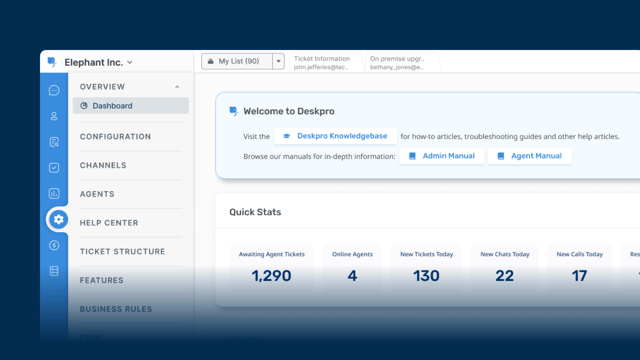
An overview of Deskpro's Admin Interface and how you can configure your help desk.
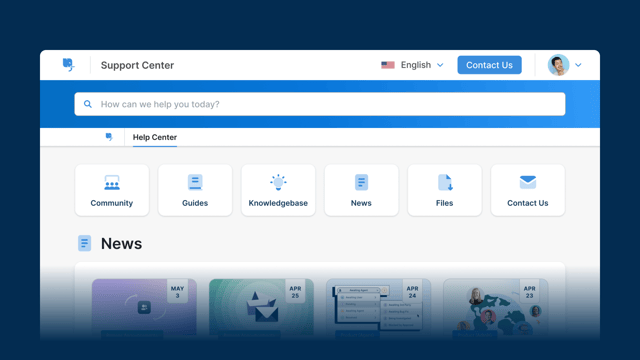
Provide your users with a 24/7 self-service platform with Help Center.
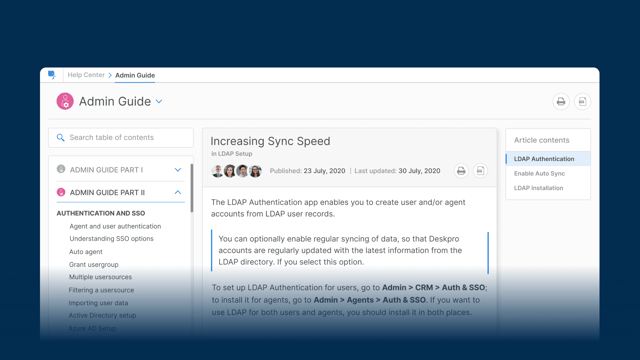
Get to know the Publishing interface in Deskpro for managing your Help Center
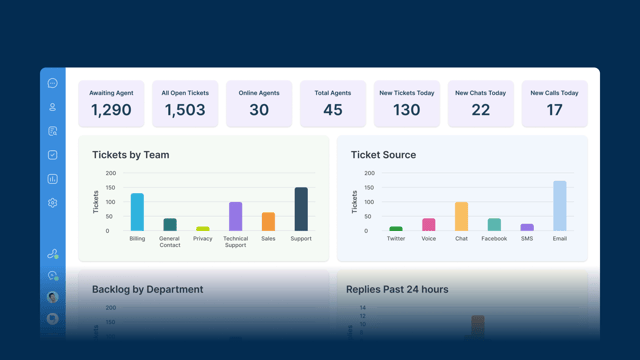
Gain analytical insights from your in-built and customizable reporting interface.
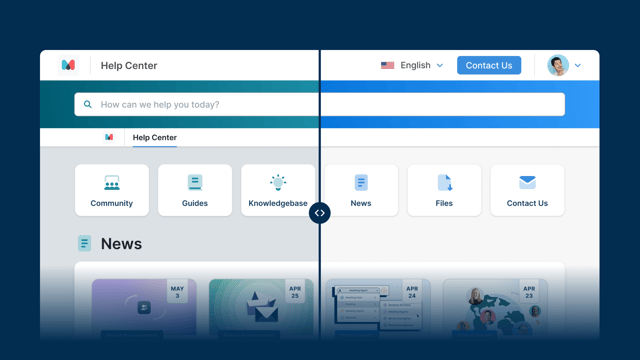
Provide support across multiple services, brands, or products from one help desk.
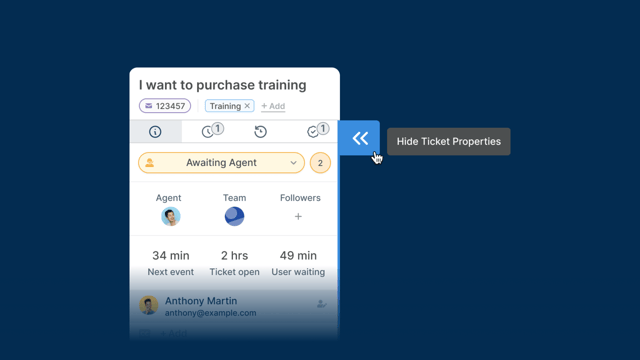
Learn about all the different display choices and viewing preferences.
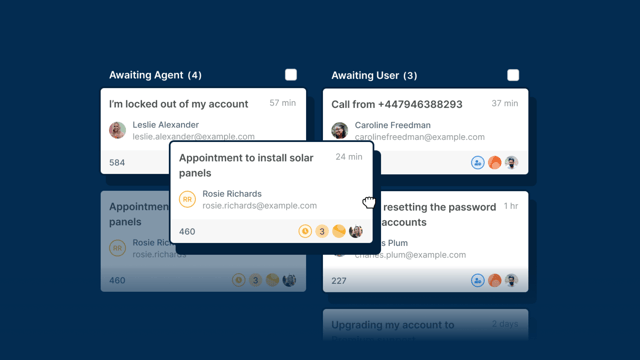
Use Deskpro's Kanban view for agile project management in your help desk.
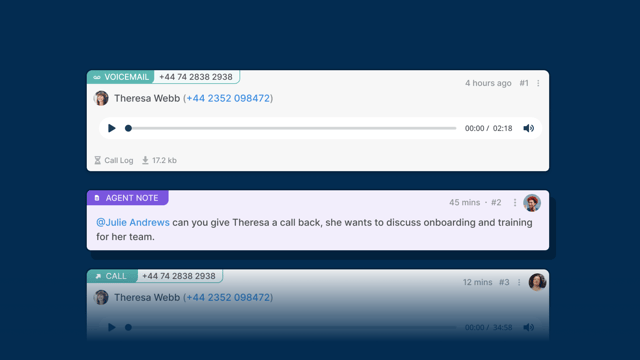
Get to know Deskpro's in-built call center software that makes support simple.
Get to grips with support software with our run-through of ticketing and how you can interact with customers through Deskpro.
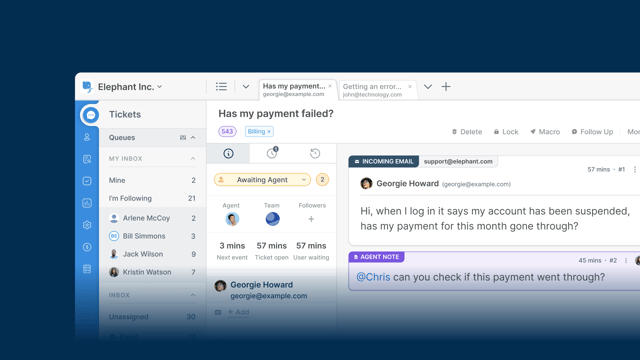
Get to know the different elements that make up a Deskpro ticket.
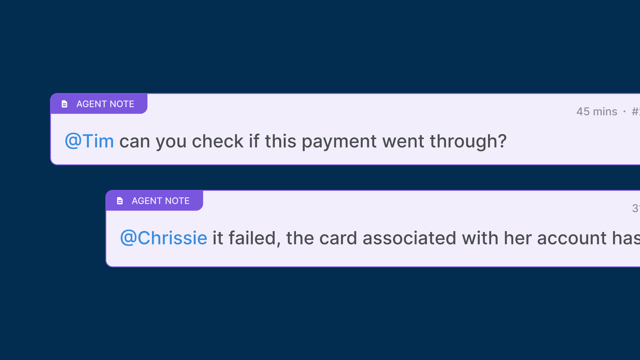
Collaborate with colleagues with private internal notes to resolve issues together.
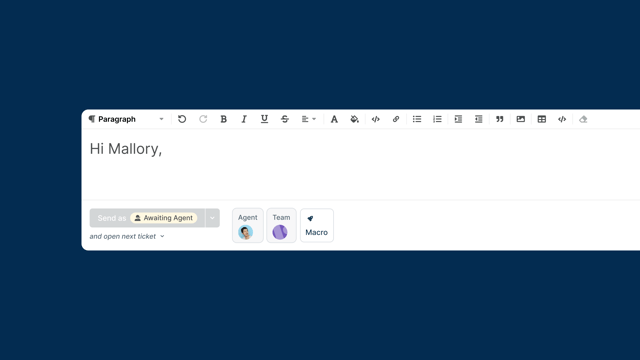
Learn the basics of replying to your users with Deskpro's useful reply box tools.
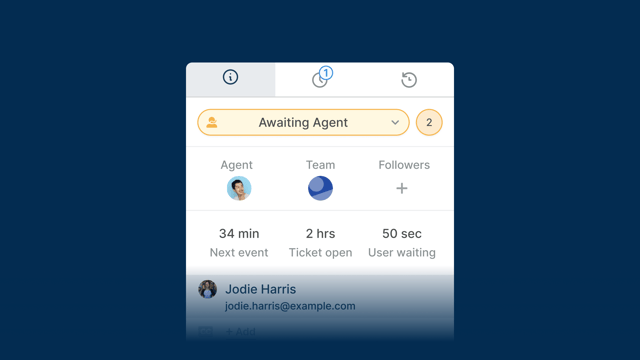
Understand the concept of assignment and ownership of Deskpro tickets.
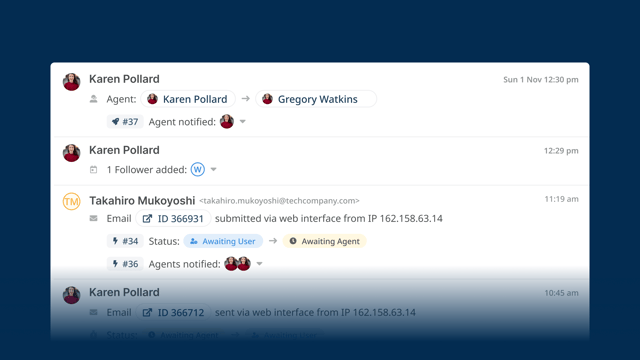
See all the actions that have taken place on a ticket in one convenient place.
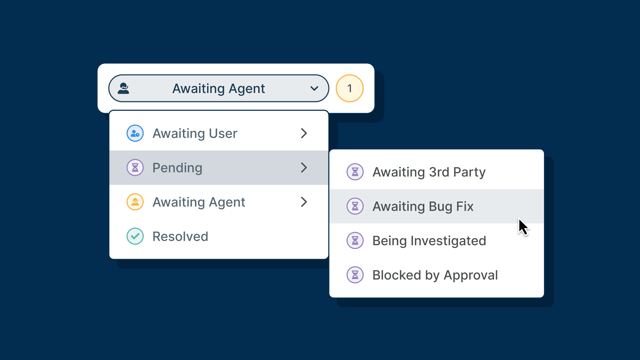
Stay on top of ticket lifecycles and keep them moving toward resolution.
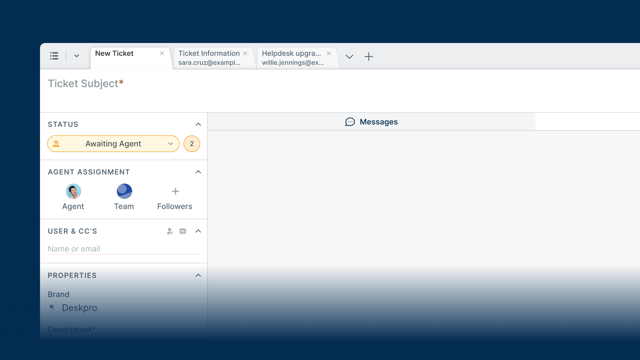
A walkthrough of how Agents can manually create Tickets in the Deskpro Agent Interface.
Find out about some of the ways you can quickly action tickets and the useful tools at your disposal.
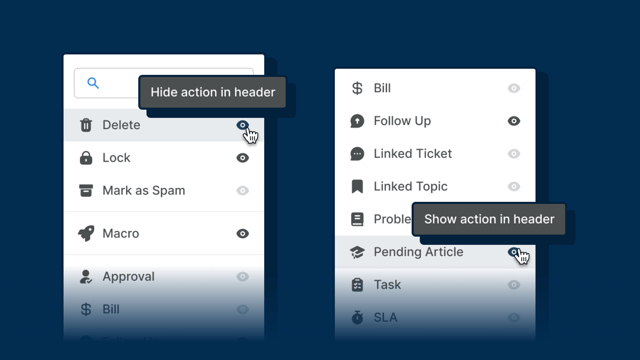
Get to know the useful tools that you can access from a ticket.
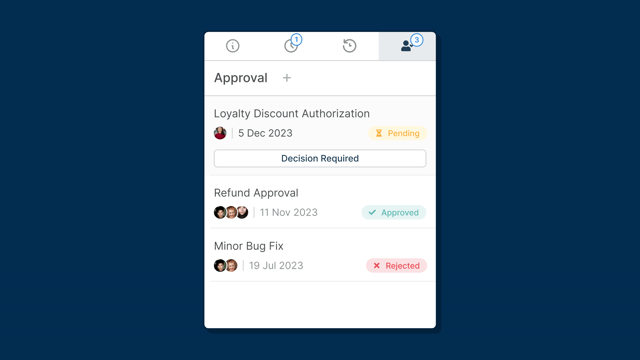
Streamline your approval processes with our workflow management tool.
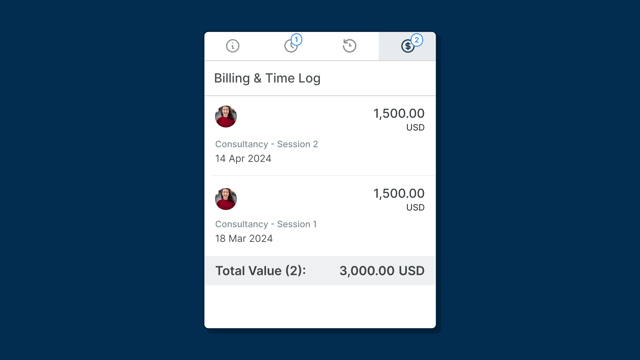
Add charges to your support and track your billable hours of assistance.
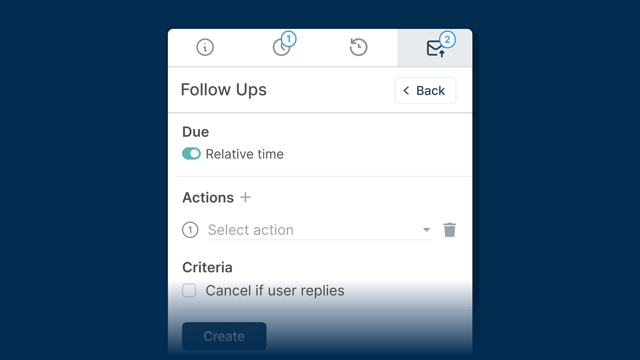
Prompt agent activity, automate actions and set up helpful reminders.
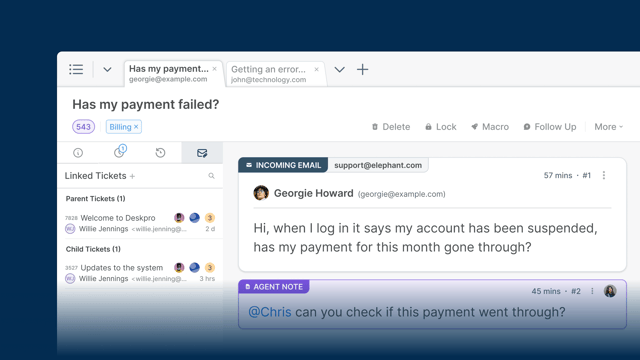
Connect Users' similar queries with a quick linking action.
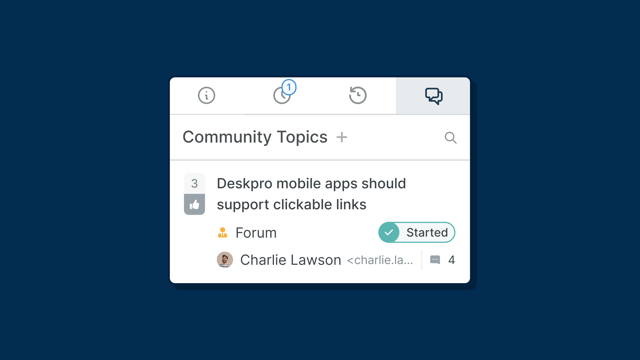
Link tickets to topics in your Community Forum to easily share users' opinions.
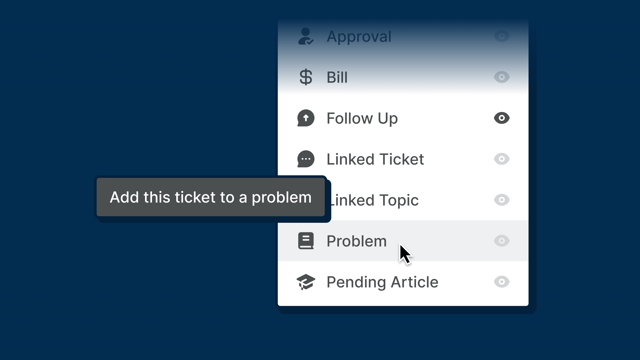
Link Problems to tickets with ease with quick Ticket Actions.
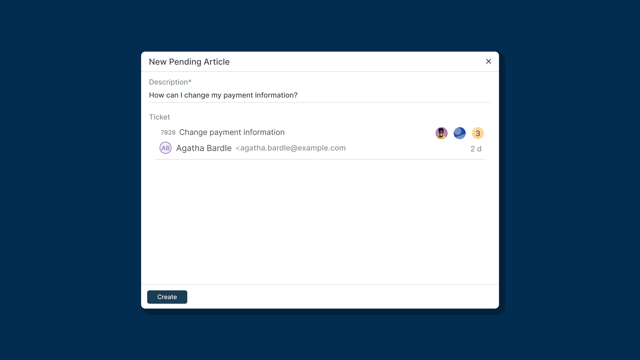
Create Knowledge Base Articles linked to questions your customers raise.
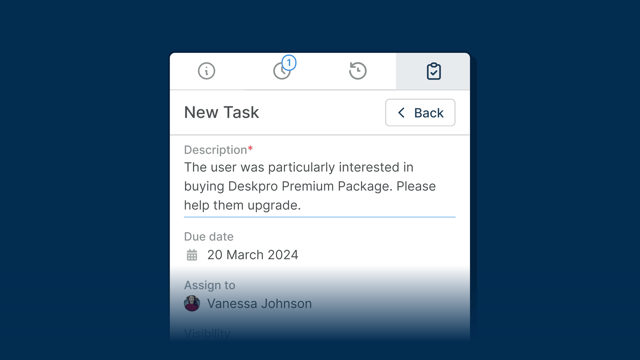
Create and delegate tasks linked to an open ticket for speedy resolution.
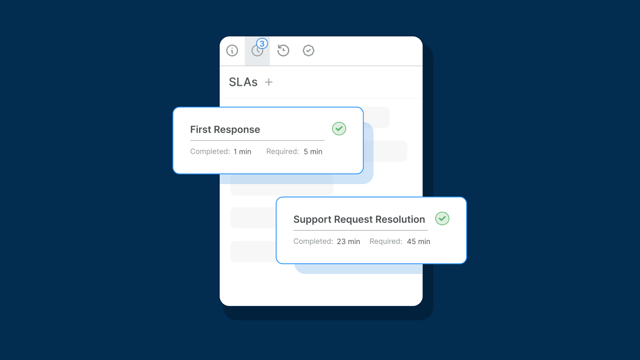
Apply SLAs to tickets in the agent interface to meet performance targets.
Get to know the different ways to find tickets in the interface and categorize your workflows.
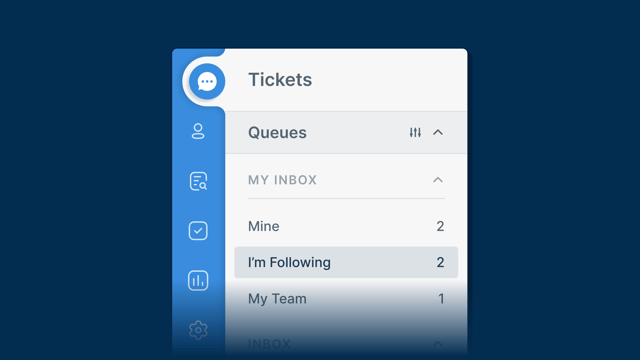
Find out about all the different ways you can sort, filter, and find tickets in Deskpro.
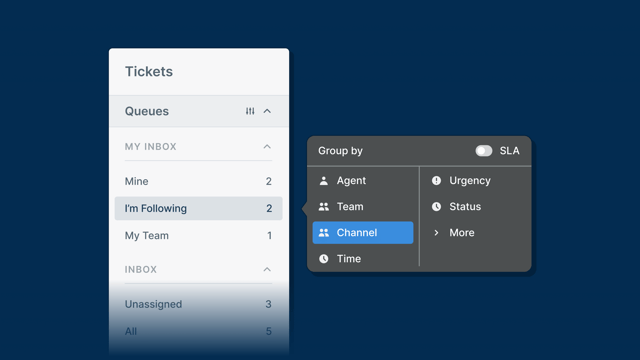
An in-depth look at how Queues can group and categorize help desk tickets.
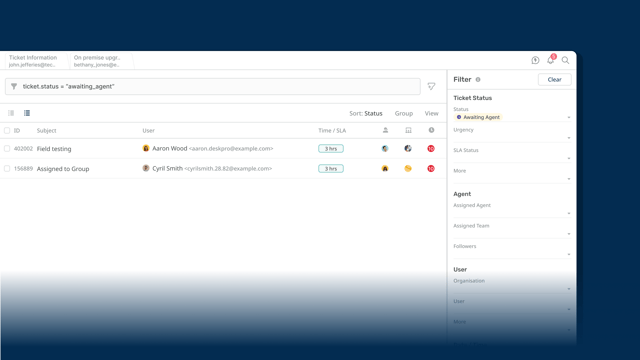
Build highly-specific ticket lists for yourself and across the help desk globally.
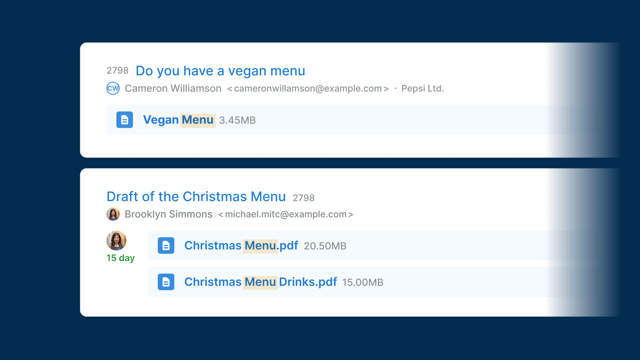
Locate specific tickets in the help desk with our powerful ticket search feature.
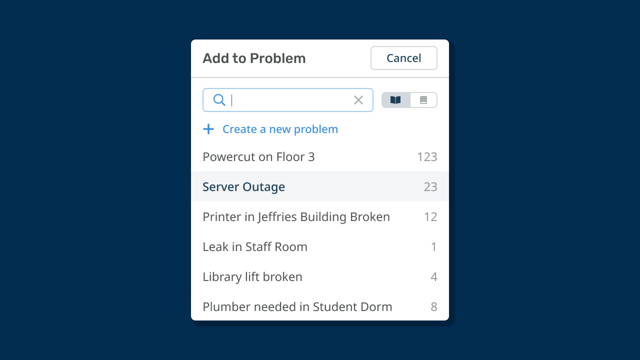
Track large-scale or recurring issues with intelligent problem management tools.
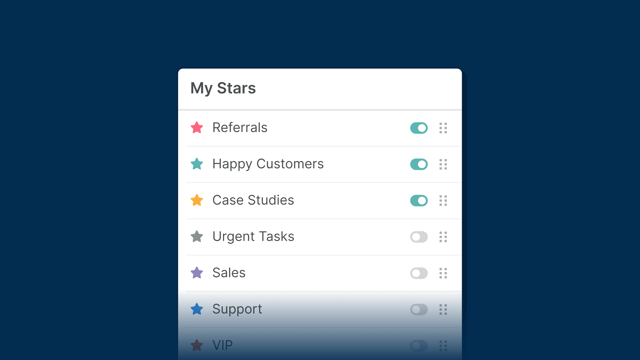
You can use stars as a personal categorization system in the help desk.
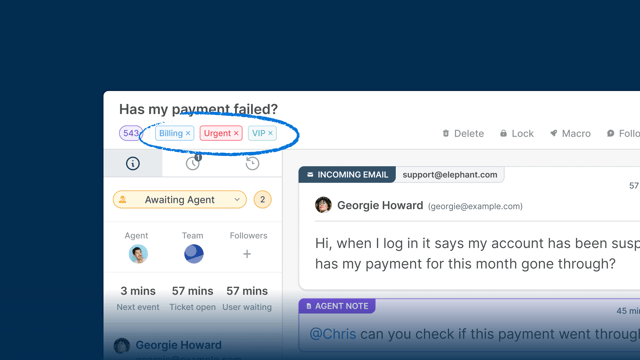
Add labels to different items for quick categorization and searching capabilities.
Deskpro's powerful automations let you build actions that improve agent productivity and streamline key workflows.
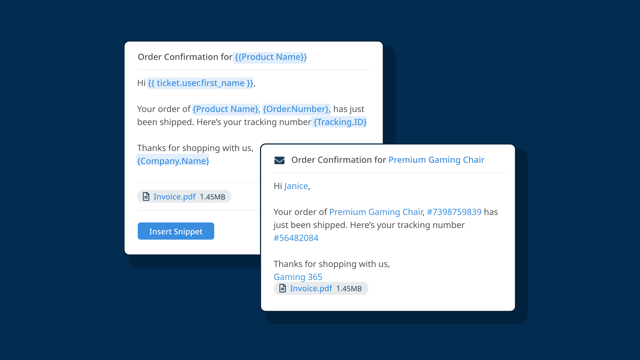
Agents use Snippets to insert canned responses to reply to tickets faster.
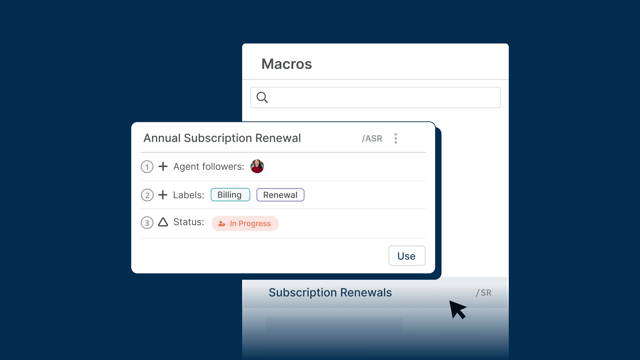
Let agents run a pre-defined set of actions again and again to boost productivity.
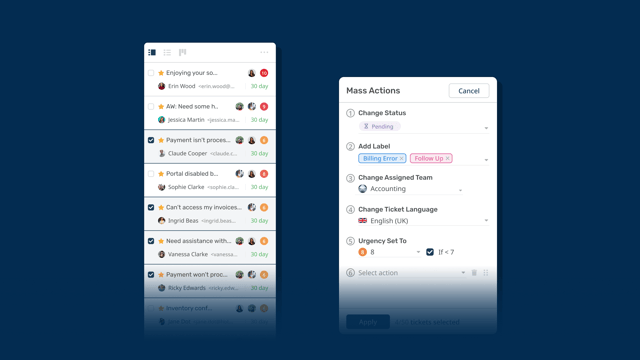
Easily apply the same actions to multiple tickets at once using Mass Actions.
Look through all the different elements of Deskpro's CRM, and easily manage all your users in our simple customer management tool.
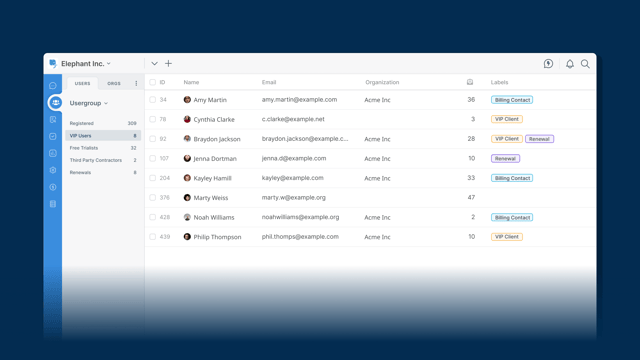
Find out about Deskpro's CRM and how it makes managing customers easy.
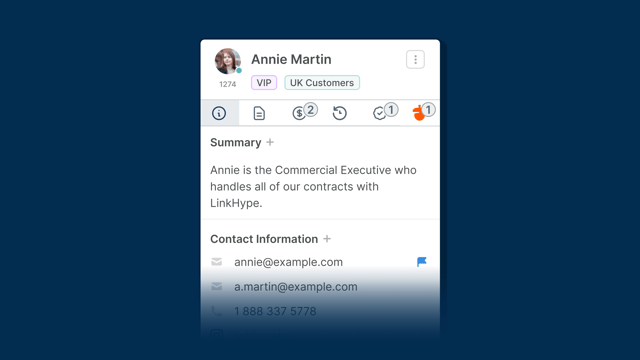
Store and view information about Users on their profiles in the help desk.
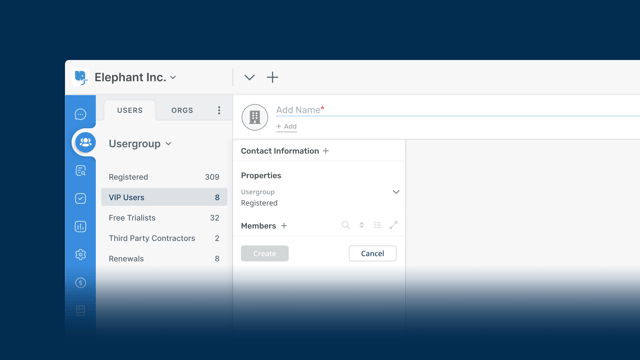
Group Users into Organizations and store company-wide details in one location.
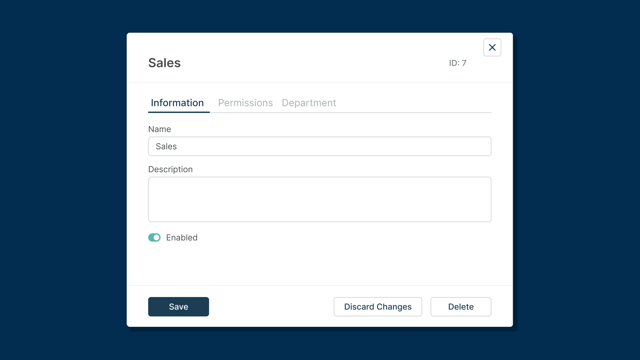
Easily define user permissions to control what they can view and access.
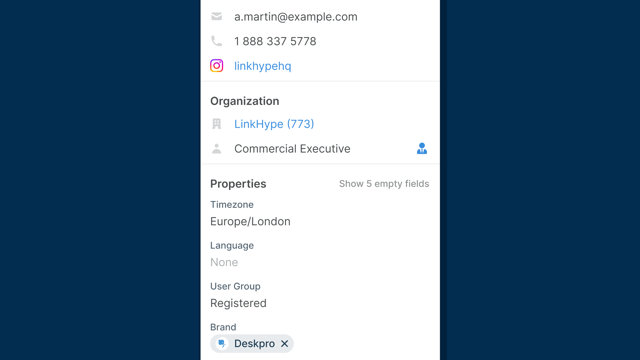
Create flexible custom fields to store information on Users and Organizations.
The OPC is our new method for deploying and managing Deskpro On-Premise from an intuitive self-hosting platform.
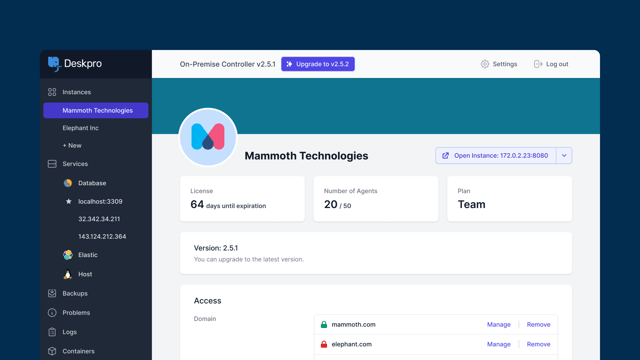
Our re-imagined On-Premise platform for seamless self-hosting.
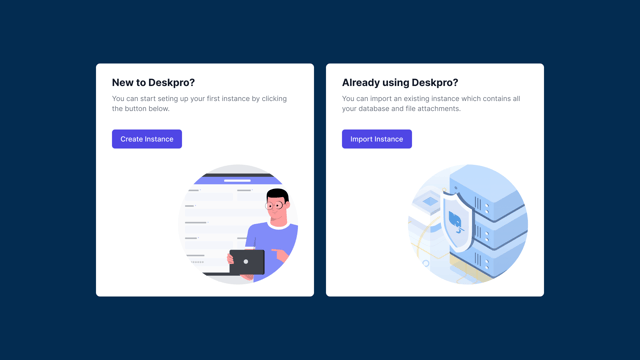
How you can use the OPC to create an instance in your On-Premise deployment.
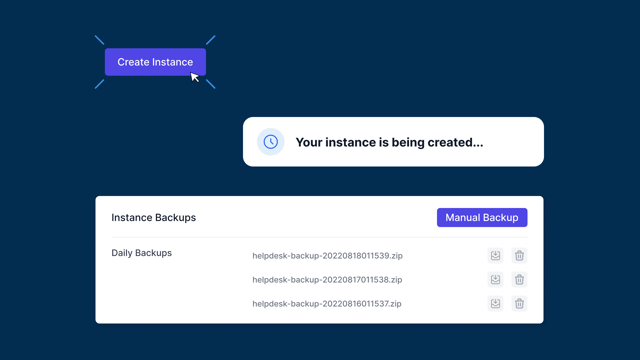
Check out how you install the On-Premise Controller
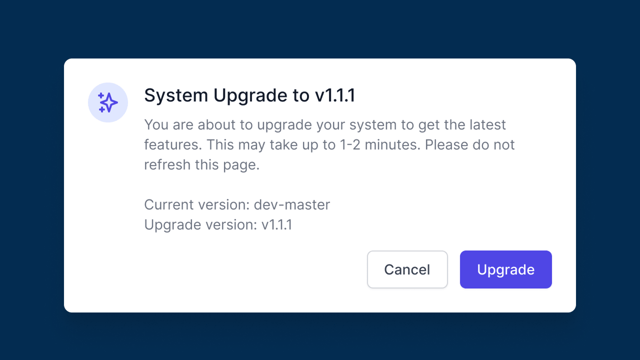
Find out about managing your instance updates using the On-Premise Controller.