Categorize every ticket
Auto-route tickets and assign them to agents or departments based on flexible criteria.
New Guide The Help Desk AI Maturity Journey: A Support Team’s Guide Download Now
Save time and reduce costs with intelligent help desk automation tools that help your agents provide incredible customer support.
Give your agents powerful automation tools to increase the efficiency, quality, and consistency of support. Set automations once, and then let Deskpro do the hard work.
Triggers
Intelligent automations keep your help desk running smoothly and efficiently.
Ensure all your incoming tickets get replied to so nothing is left behind.
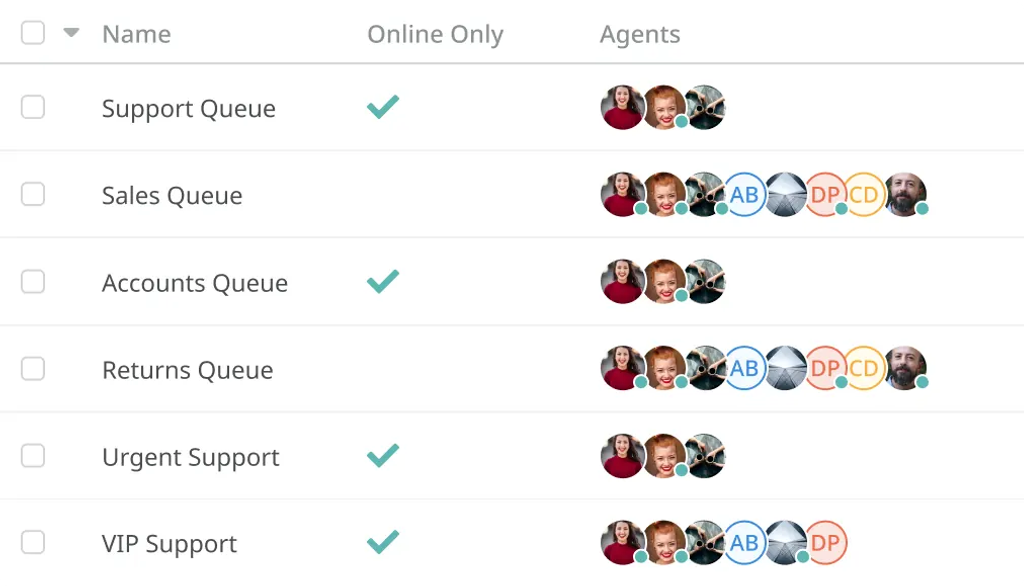
Auto-route tickets and assign them to agents or departments based on flexible criteria.
Assign followers and distribute notifications to agents who require visibility of ticket changes.
Set up automatic urgency scores; so agents understand which tickets to handle next.
Escalations
Admins create escalations across the entire help desk that run after a ticket has spent a pre-defined amount of time in one particular state.This will trigger actions of your choice such as increasing ticket urgency, reassigning tickets, or sending survey requests.
Auto-Responder
Set up auto-replies and configure updates to make sure customers are never left in dark regarding the status of their issue.Utilize custom fields to personalize your auto-response templates.
Service Level Agreements
Set custom goals with SLAs to monitor your help desk response times and maintain high standards.Your help desk will automatically prompt agents to act when SLAs are at risk or notify managers if they fail. You can easily track your SLAs to see how your organization, departments and individual agents are performing.
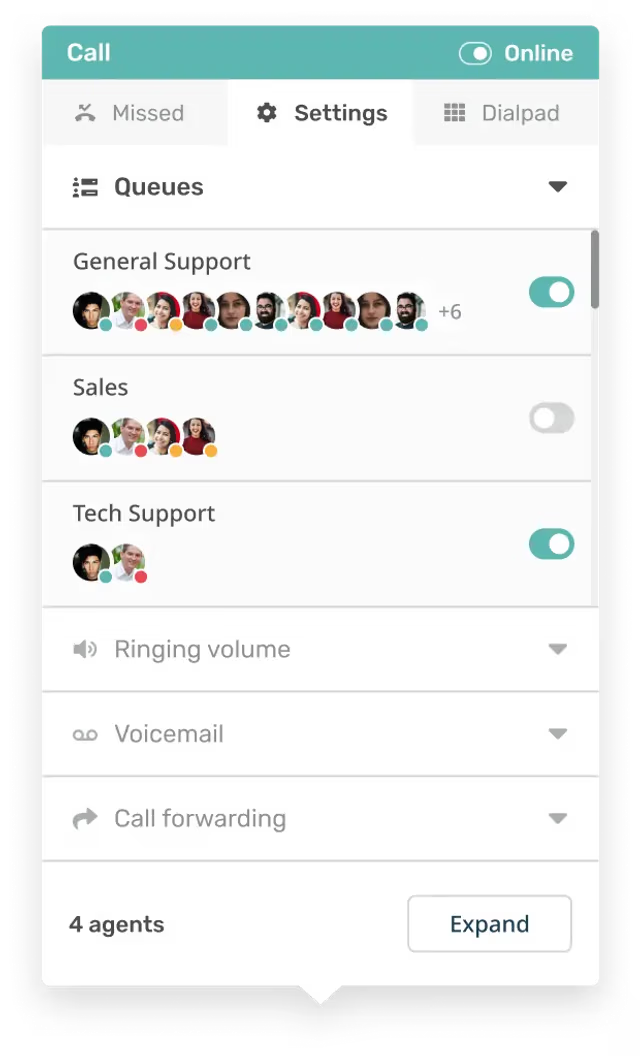
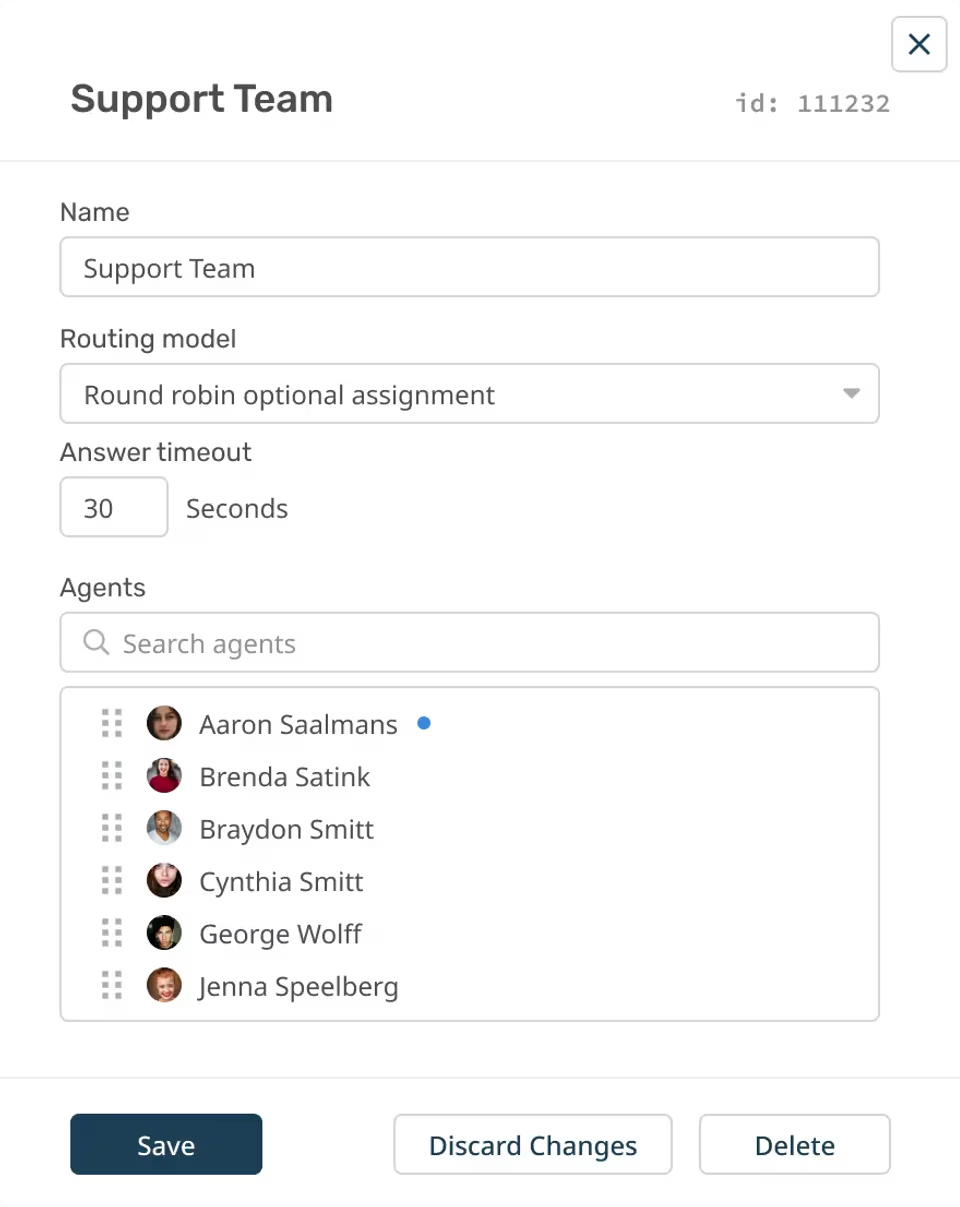
Ensure tickets, chats and calls are distributed evenly between teams, agents, and departments with automatic ticket routing.


Distribute assignment for tickets, chats, and call evenly across available agents. Each new ticket is assigned to the next agent in the queue.

Assign incoming tickets, chats, and calls to agents in the queue who have handled the fewest tickets, so the workload is balanced.

Any incoming chats or calls will ring all agents in the chat department simultaneously. The first agent to manually accept will handle the chat.

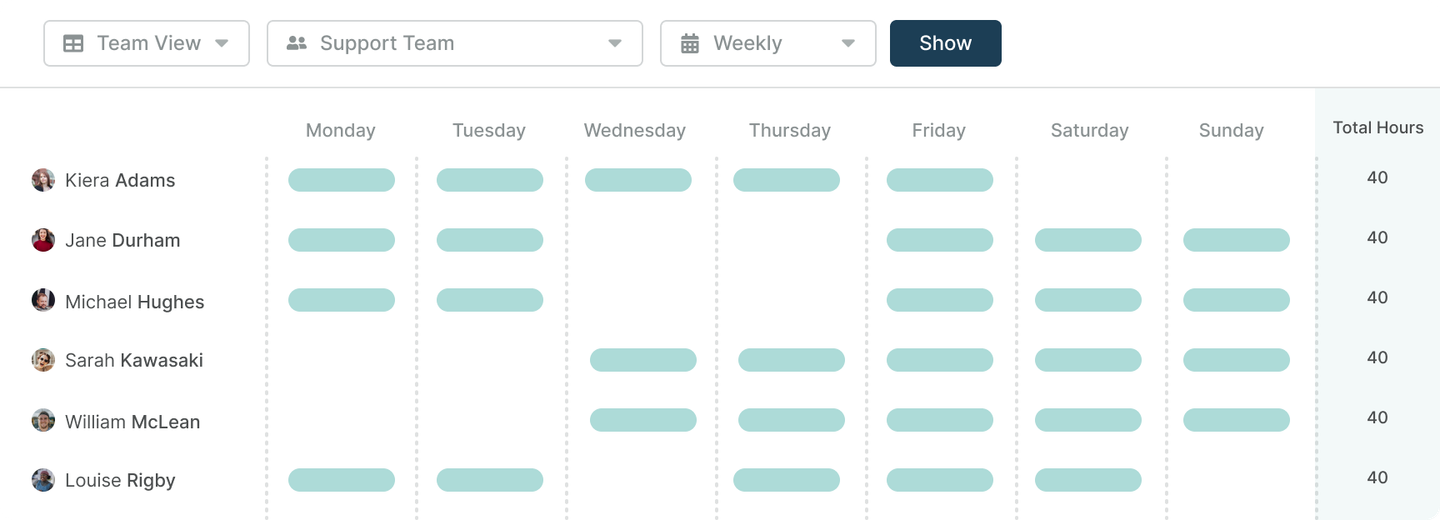
Create Shifts for your team's working pattern to assign tickets automatically based on your agents' working hours.
Auto Attendant & IVR
Streamline your call routing for each phone number you own with IVR, music and greetings.Ensure that customers reach the department that they need, fast, with your intelligent phone system technology.
Arm agents with time-saving tools that completely transform the way they work.
Snippets
Make common responses more automated with intelligent canned responses. If you have common responses that have to be carried out in everyday interactions you can incorporate snippets into your ticket replies.Quickly insert a snippet for a specific process that automatically populates the response with ticket information; making typical responses more efficient and saving agent time.
Macros
Consolidate your common help desk processes by carrying out a series of pre-defined actions at the click of a button.Schedule multiple actions to run at the click of a button; automating a whole series of processes in one go.
Follow Ups
Agents can set up automatic follow up messages, or surveys to be sent at a pre-determined point in time.Automated follow ups ensure no customers are forgotten about, whilst simultaneously taking the pressure off your agents to keep on top of every single response.
Mass Actions
Quickly apply the same action to a number of tickets at once, automatically send one message to a number of customers in the same instance.Save your agents having to click through every ticket one by one to give the same response.
Approvals
Approvals can streamline your internal workflows to ensure that a request reaches the right person every time and that they can view all the necessary information to make a decision.Approvals can be applied across your help desk with macros; for workflows that require specific approval each time you can automatically apply the request alongside the other actions.
Problem Tracking System
When agents receive multiple tickets caused by the same underlying issue Deskpro allows them to efficiently categorize and respond to their customers.
Problems can result in a number of separate incidents; Deskpro enables agents to track and react by sorting the incidents to understand what the issue is and how to fix it.Combined with mass actions agents can communicate with multiple affected customers quickly and easily.
Apps & Integrations
Extend the help desk with dozens of built-in apps and over 1000+ integrations.